PixlPlus: convert images without uploading them.
Free converters for icons, vectors, transparent PNGs and more. Each one runs in your browser, so your files stay with you.
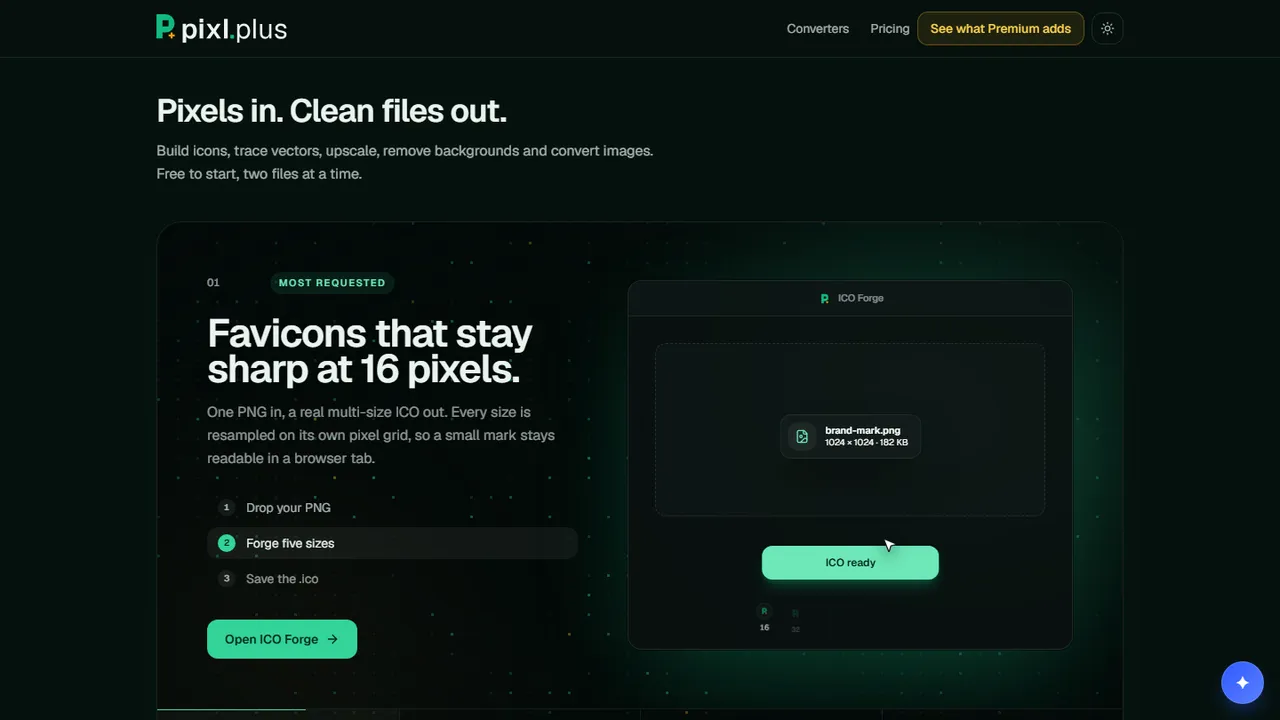
Most image converters ask you to send the file somewhere first. You upload it, wait, and download the result. For a logo or a draft, that is more trust than the job needs.
PixlPlus does the work in your browser instead. Each converter runs in the tab, so your files are never uploaded.
How it works
- 01Pick a format. Icons, vector traces, transparent PNGs, WebP, AVIF, PDF, stickers and meme captions.
- 02Drop a file. Your browser reads and converts it. Nothing is uploaded.
- 03Take the result. Results stay in memory until you clear the list or close the tab.
Drop a file. Get a clean one back.
What the converters do
PNG to ICO builds a real multi-size icon, with 16, 32, 64, 128 and 256 pixel sizes each resampled on its own grid, so a small mark stays sharp in a browser tab. PNG to SVG makes a one-colour vector trace with smooth curves, sharp corners kept and optional speckle removal.
Transparent PNG removes a plain, flat background and cleans the soft edges. Logo Rebuilder rebuilds a logo as stacked vector shapes, one per colour, each snapped to the exact value in your file.
WebP and AVIF both have quality control. WebP is usually smaller than PNG. AVIF is usually much smaller than PNG or JPEG at the same visible quality. You can also put an image on a PDF page at full resolution, add a sticker outline with a soft shadow, or caption a meme.
Who it is for
Anyone with an image and a format in mind. No account is needed to convert, and the free plan converts two files at a time. More on the PixlPlus page on QOL.
Free and Premium
Premium is open. It adds the Upscaler and removes the two-file limit. Premium is $7 a month billed quarterly ($21), a launch price. Monthly is $9 and yearly is $72. Studio and Ultra are coming soon.